The song
creates
the video.
Drop your project. Get a video like this.
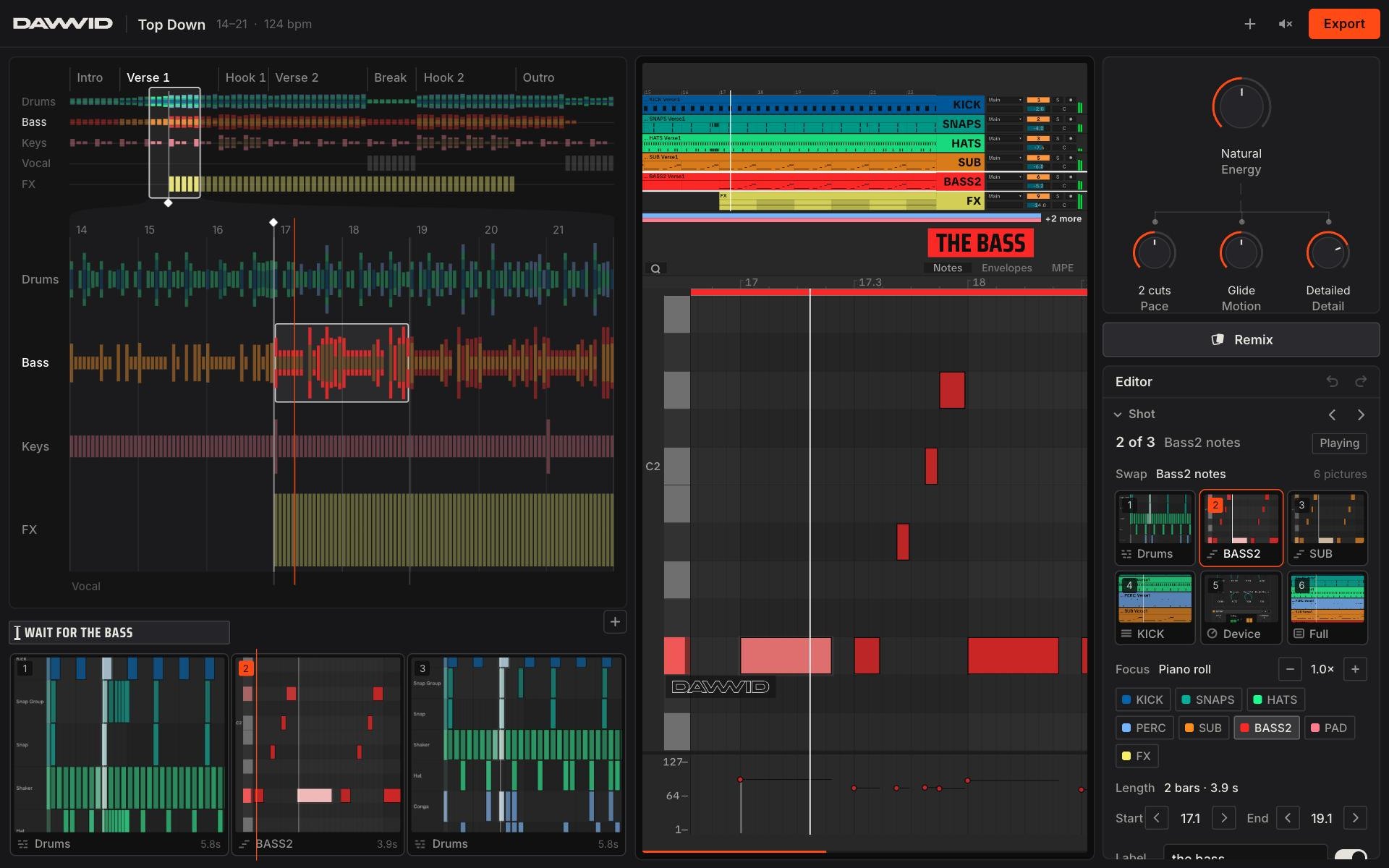
Drop your project and DAWVID cuts a vertical video from what is in it: the tracks, the notes, the arrangement.
Ableton Live, FL Studio and Studio One. No account.
Welcome back.
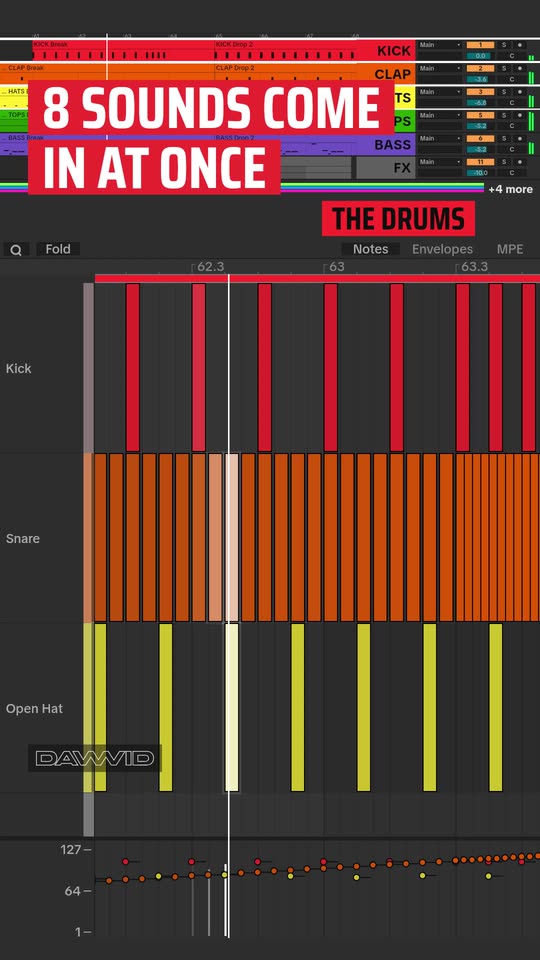
Running live from a real Ableton project. Turn Energy.
Your project is on your computer.
Send yourself this page. Open it there and drop your project. Try it free.
What it does with your project.
It reads the notes. It does not guess. Every picture is drawn from the project: its tracks, its notes, its colours. Every number is counted.
Four stills. The window at the top of the page is the live one.
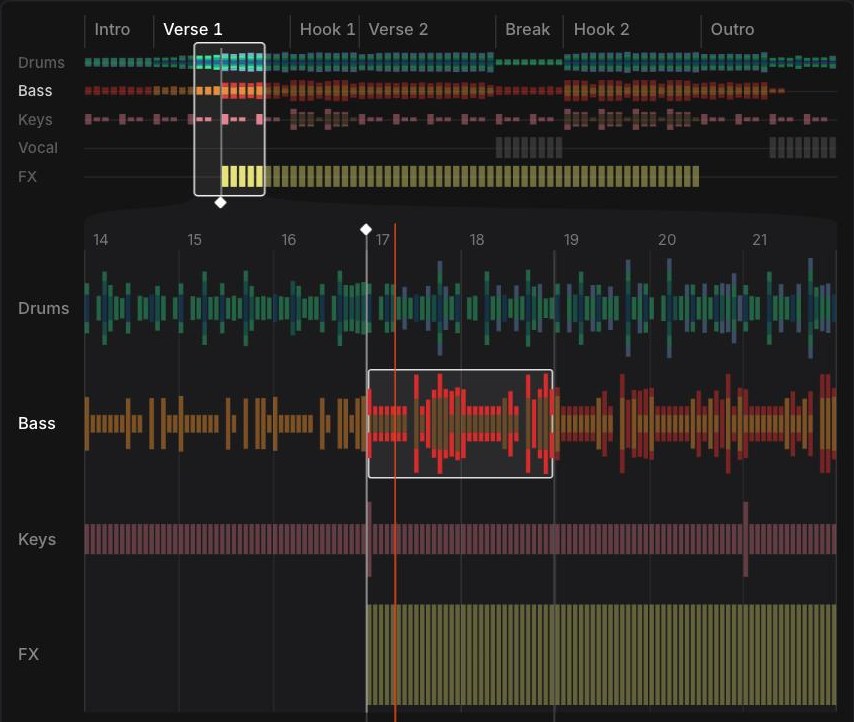

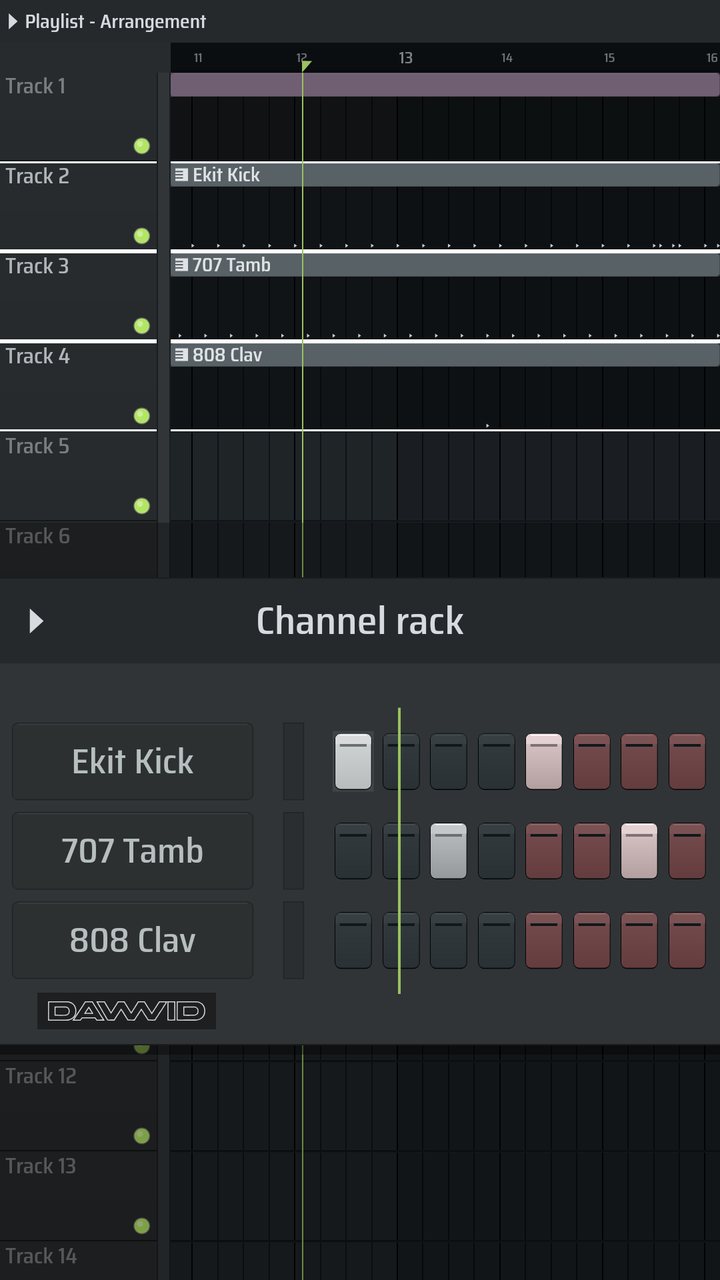
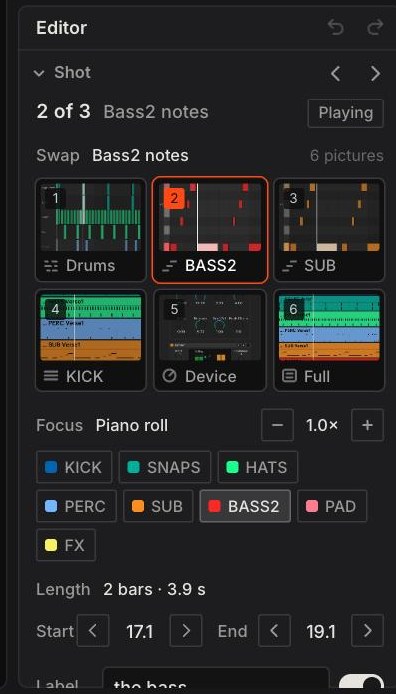
Yours to change.
DAWVID makes the first cut. You take it from there.
- Four dials
- Energy, Pace, Motion and Detail. Energy moves the other three. Turn one and the video changes on the next frame.
- Remix
- Another take of the same song. The takes you had stay in the stack.
- The Editor
- Swap a shot’s picture, choose the part it follows, set where it starts and ends, change the words.
- Length
- The video covers the bars inside the window on the song map. Drag the window to another section, or pull its edge for a longer video.
- Export
- A 1080 × 1920 mp4. That’s it. Post it.
What it reads.
| Your DAW | Drop | How it is read |
|---|---|---|
| Ableton Live 10, 11, 12 | .als | Directly. |
| FL Studio 20, 21 | .flp | Directly. |
| Studio One 5 | .song | Directly. |
| Bitwig, Cubase 14, Studio One 6.5+ | .dawproject | New. |
| Reaper | .rpp | New. |
| Anything else | MIDI + audio | Export MIDI plus audio and drop those. |
Bitwig, Cubase 14, Studio One 6.5+: export a DAWproject and drop it. Reaper: drop your .rpp. New. Tell us if yours does not read.
Price.
Your files are private and deleted after 14 days.
- Samples stay home
- Only the project file and your bounce are uploaded.
- Nothing is posted
- You export an mp4. Where it goes is up to you.
- No account
- No sign-up, no password. Songs stay in the browser you made them in.
- Delete now
- One button on every song.
Hi, I'm Brayden. I'm a producer. I built DAWVID because I was tired of recording my DAW with my phone and getting no views.
Brayden
No project here? Play with one of ours.